


Published on November 13, 2026
Example of Audiovisual: 8 Real-World Examples and How They Work
Quick Answer
A simple example of audiovisual technology is a business presentation that combines a computer, projector, microphone and speakers. The audience sees presentation slides while hearing the speaker explain them. Other examples include video conferences, educational videos, live concerts, museum displays, television programmes and livestreamed events. Audiovisual communication combines sound and visual information to explain ideas, share information or create an experience.
Key Takeaways
- Audiovisual (AV) communication combines sound and visual information to deliver a message.
- A presentation using slides and spoken explanations is one of the clearest examples.
- Video conferencing, instructional videos, concerts and museum exhibits are other common applications.
- A microphone is an audio device, while a silent projector is primarily visual equipment. Neither alone necessarily creates an audiovisual experience.
- Professional event AV systems bring equipment, software and technical personnel together.
- The purpose of combining sound and visuals is to make information easier to understand, experience or share.
What Is an Example of Audiovisual Communication?
Consider a company presenting its annual business results to employees. The presenter uses a laptop to display charts and slides on a large screen. A microphone captures the presenter's voice, and speakers make the explanation audible throughout the room.
The audience receives two forms of information at the same time: visual information through the slides and spoken information through the sound system. Together, they make the presentation an audiovisual experience.
This example illustrates the basic meaning of audiovisual. The word combines two terms:
- Audio: Information that people hear, including speech, music, narration and sound effects.
- Visual: Information that people see, including photographs, videos, graphics, animations and written content displayed on a screen.
When these elements work together to communicate a message or create an experience, the result is audiovisual communication.
The audiovisual industry is broader than presentations and screens. AVIXA, the professional audiovisual industry association, describes the industry through the relationship between content, technology and space. Its examples include concert sound, museum displays, office videoconferencing and corporate presentations. AVIXA's industry overview provides useful context for understanding this range of applications.
8 Everyday and Professional Examples of Audiovisual Technology
Audiovisual technology appears in workplaces, classrooms, entertainment venues and public spaces. The following examples explain what an audience sees, what it hears and why the combination matters.
1. Corporate Presentations and Business Meetings
A corporate presentation is one of the most familiar examples of audiovisual communication.
Imagine a manager explaining a new business strategy during a company meeting. A laptop displays presentation slides, graphs and photographs on a television or projector screen. The manager speaks through a microphone, and room speakers reproduce the presenter's voice.
What people see: Presentation slides, charts, diagrams, photographs and sometimes videos.
What people hear: The presenter's explanation, recorded clips and other programme audio.
Purpose: To explain business information, present results, introduce plans and support decision-making.
For a small meeting, a display and laptop may be sufficient. A larger presentation might need microphones, a public address (PA) system, additional displays and a technical operator.
The important point is that the equipment supports one communication experience. The audience can follow the visual information while listening to the explanation.
For a deeper look at how these components work together, see AV Labor Source's guide to audiovisual systems for live events.
2. Conference Keynote Presentations
A conference keynote is another strong example of an audiovisual application.
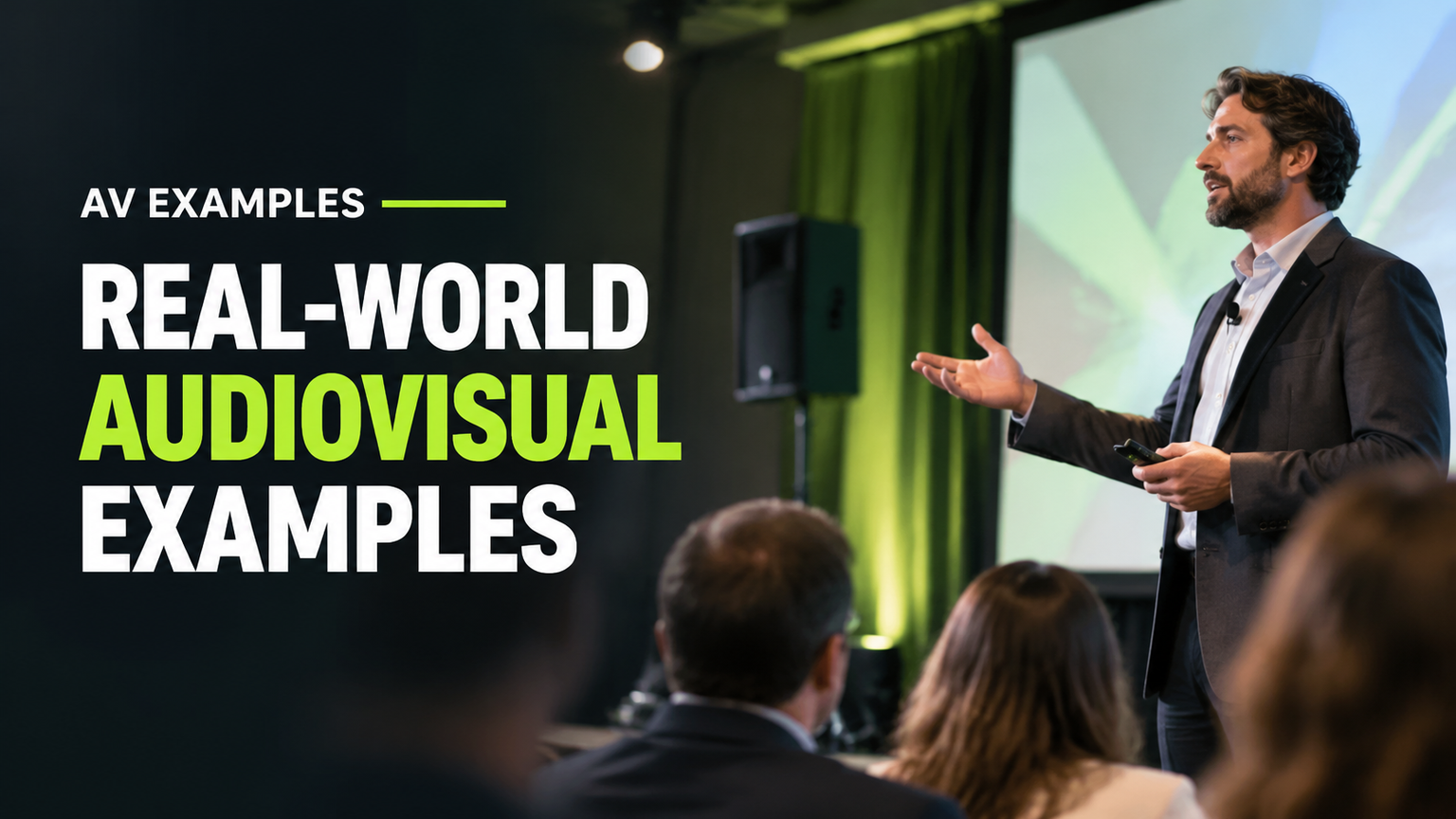
A keynote speaker may address hundreds of attendees from a stage. A projector or LED video wall displays the speaker's slides, while microphones and loudspeakers deliver speech to the audience. Cameras may also capture the speaker and send live images to screens around the venue.
What people see: The speaker, presentation graphics, video clips and images on large displays.
What people hear: Amplified speech, presentation audio and other programme sound.
Purpose: To communicate ideas clearly to a large audience and maintain visibility throughout the venue.
A conference is more complex than an ordinary office presentation because the sound and visuals must reach people in different parts of the room. The technical team may coordinate microphones, display feeds, presentation playback and camera images.
The U.S. Department of State's audiovisual services guidance documents practical applications involving projection, large-screen displays, sound and recording equipment for conferences and special functions.
3. Educational and Training Videos
An educational video combines moving images, narration and other sounds to teach a subject.
For example, a training video showing employees how to operate a piece of machinery might display each step while a narrator explains the correct procedure. Important areas can be highlighted with graphics, labels or animations.
What people see: Demonstrations, diagrams, moving images, captions and animations.
What people hear: Narration, dialogue, background music and relevant sound effects.
Purpose: To explain information, demonstrate procedures and make learning more accessible.
Educational videos are particularly useful when a subject is easier to understand through a visual demonstration than through written instructions alone.
A video does not need expensive production equipment to qualify as audiovisual media. A simple recording containing moving images and spoken explanations is already an example.
However, this example is primarily about audiovisual content. It does not necessarily involve the complex equipment and technical operations found in a professional event production.
4. Video Conferencing and Virtual Meetings
Video conferencing allows people in different locations to communicate through live video and audio.
Consider a company holding a meeting between employees in New York, Chicago and Dallas. Cameras capture the participants, microphones capture their speech, and displays show the remote attendees. Speakers reproduce the voices of people joining from other locations.
What people see: Live camera feeds, participant windows, shared presentations and screen content.
What people hear: Conversations, questions, presentations and other meeting audio.
Purpose: To connect remote participants and support communication without requiring everyone to be physically present.
Video conferencing is a useful example because it combines audiovisual equipment with communication software and network infrastructure.
A working system may depend on cameras, microphones, displays, speakers, software accounts, device settings and a reliable network connection. Firewalls and other IT requirements can also affect communication.
This illustrates why an audiovisual application is not always just a collection of physical devices. Software and connectivity can be equally important. AV Labor Source explains some of these relationships in its guide to audiovisual integration, infrastructure and performance.
5. Live Concerts and Entertainment Events
Live concerts demonstrate how audiovisual technology can create an engaging audience experience.
At a large concert, performers use microphones and musical instruments. Audio engineers manage the sound mix, while loudspeakers deliver amplified music throughout the venue. Stage lighting, LED screens, projection and cameras provide additional visual elements.
What people see: Performers, stage lighting, LED displays, projected graphics and live camera images.
What people hear: Live music, vocals, amplified instruments and other sound effects.
Purpose: To entertain audiences and create an immersive live experience.
The audiovisual elements can be coordinated in several ways. A camera might display a close-up of the performer on a large screen, while lighting and graphics change to match the performance.
A documented example appears in SW's event case studies. Its Canada's Farm Show production describes a combination of a panoramic LED screen, camera feeds, presentations, animations, sound, lighting and live broadcasting.
This demonstrates how separate technologies can become one coordinated audiovisual experience.
6. Museum Multimedia Exhibits
Museums use audiovisual applications to explain history, science, art and cultural subjects.
Imagine an exhibition about ancient civilizations. Visitors enter a gallery where projected images show historical locations, displays present maps and photographs, and recorded narration explains important events. An interactive screen may allow visitors to explore additional information.
What people see: Photographs, projected images, animations, maps and interactive displays.
What people hear: Recorded narration, interviews, music and environmental sound effects.
Purpose: To support learning and help visitors engage with exhibition content.
Some museum installations are simple, while others use multiple displays and synchronized media. The technology is selected according to the exhibition's subject and the experience the museum wants to create.
AVIXA identifies museum displays as one of the applications within the audiovisual industry. This is a useful reminder that AV is not limited to corporate meetings or entertainment venues. It also supports education and public engagement.
7. Digital Displays with Audio Announcements
Digital signage is used in shopping centers, airports, transportation facilities and other public spaces to communicate information.
A typical digital display might show departure information, directions, advertisements or safety messages. When the display is combined with spoken announcements or recorded audio, it can become part of an audiovisual communication system.
What people see: Electronic notices, directions, schedules, graphics and video messages.
What people hear: Recorded announcements, spoken instructions or other relevant audio.
Purpose: To communicate information to people in public or commercial environments.
For example, an airport might display boarding information while a public-address system announces a gate change. Together, the visual and spoken information help passengers understand what is happening.
There is an important distinction here: a silent digital display is primarily visual communication. Being electronic does not automatically make a device audiovisual.
The combination of visual information and relevant sound is what makes the broader application audiovisual.
The U.S. Department of State's audiovisual services guidance also provides examples of projection, sound and recording applications in official events and public-information settings.
8. Livestreamed and Hybrid Conferences
A livestreamed conference combines audiovisual technology to connect an in-person audience with people watching remotely.
For example, a business conference may have speakers presenting on a physical stage while cameras capture the event. Microphones collect the presenters' voices, and an audio mixing system prepares the sound. Video switching allows an operator to select camera feeds, presentation slides or other visual content before the programme is streamed online.
What people see: Live camera feeds, presentation slides, speaker images and graphics.
What people hear: Presenter speech, audience questions, recorded videos and programme audio.
Purpose: To make an event accessible to people who cannot attend in person and connect physical and remote audiences.
A typical setup may involve cameras, microphones, audio mixing, video switching, streaming software, encoders and network connectivity. Remote viewers receive the combined programme on computers, tablets or smartphones.
The exact setup depends on the event. A small online presentation may need only a computer, camera and microphone, while a large hybrid conference may require several technical operators and separate audio and video workflows.
For more detail about the relationship between these components, consult AV Labor Source's live-event audiovisual planning guide.
Audiovisual Examples: Eight Applications Compared
The following comparison makes it easier to understand how audiovisual communication changes across different settings.
| Setting | Example | What People See | What People Hear | Main Purpose |
|---|---|---|---|---|
| Corporate meeting | Slide presentation | Slides, charts and images | Presenter speaking | Explain business information |
| Conference | Keynote presentation | Speaker and large-screen content | Amplified speech and programme audio | Address a large audience |
| Education | Instructional video | Demonstrations and diagrams | Narration and sound effects | Explain a subject |
| Virtual meeting | Video conference | Camera feeds and participant windows | Conversations and presentations | Connect remote participants |
| Entertainment | Live concert | Performers, lighting and stage visuals | Live and amplified music | Entertain an audience |
| Museum | Multimedia exhibit | Screens, projections and interactive content | Narration and sound effects | Support learning |
| Public information | Display with announcements | Digital notices and directions | Spoken announcements | Communicate public information |
| Hybrid event | Livestreamed conference | Camera feeds and presentation graphics | Presenter and programme audio | Reach in-person and remote audiences |
These are illustrative examples, not fixed equipment specifications. A small classroom video and a large conference production may use very different technologies while both qualify as audiovisual applications.
What Is the Difference Between Audio, Visual and Audiovisual?
The terms audio, visual and audiovisual are related, but they do not mean the same thing.
Understanding the distinction helps prevent a common mistake: assuming that every microphone, screen or electronic device is automatically audiovisual.
| Category | Example | Explanation |
|---|---|---|
| Audio | Microphone | Captures sound. |
| Audio | Loudspeaker | Reproduces sound. |
| Visual | Photograph | Communicates through an image. |
| Visual | Silent display | Presents visual information without accompanying audio. |
| Audiovisual media | Instructional video | Combines moving images and sound. |
| Audiovisual application | Conference presentation | Uses sound and visual information for a shared communication purpose. |
| Audiovisual system | Integrated conference AV | Coordinates equipment and software to deliver an audiovisual experience. |
These categories provide a practical explanatory framework rather than a formally standardized classification.
Audiovisual Media
Audiovisual media refers to content that combines sound and visual information. Examples include films, television programmes, recorded presentations, educational videos and online video content.
The focus is on what the audience watches and hears.
Audiovisual Equipment
Audiovisual equipment refers to the physical devices used to capture, process, display or reproduce sound and images.
Examples include:
- Microphones.
- Speakers and amplifiers.
- Projectors and screens.
- LED video walls.
- Cameras.
- Video switchers.
- Audio mixing consoles.
An individual device may handle only audio or visual information. It can still be part of a larger audiovisual setup.
Audiovisual Systems
An audiovisual system combines devices, software and connections to deliver a complete communication experience.
For example, a conference-room system might connect a laptop, camera, microphones, speakers, display and video-conferencing software. The components work together so people in the room and remote participants can communicate.
Permanent installations can involve additional infrastructure, network requirements, control systems and performance testing. These subjects are explored in AV Labor Source's audiovisual integration guide.
Audiovisual Applications
An audiovisual application is the actual use of audiovisual technology in a particular situation.
A business presentation, online meeting, museum exhibition and livestreamed conference are all applications. Each uses sound and visuals to achieve a communication goal.
This distinction is useful because it separates the content, the physical equipment, the connected system and the experience delivered to the audience.
How Audiovisual Technology Works Together at a Professional Event
A professional conference presentation provides a useful example of how several audiovisual components contribute to one experience.
Imagine a speaker delivering a presentation to 300 attendees in a conference venue.
The process can be understood through a few connected roles.
1. Presentation content provides the visual information.
The presenter uses a computer containing slides, charts, images and video clips. Presentation software sends this content to the venue's display system.
2. The display system makes the content visible.
A projector and screen or LED video wall presents the material to the audience. The choice depends on the venue, viewing distance and production requirements.
3. Microphones capture the speaker's voice.
A suitable microphone captures speech so it can be processed and delivered through the venue's audio system.
4. Audio equipment distributes the sound.
Audio processing and mixing help manage the signal before speakers reproduce the presenter's voice across the room.
5. Technical personnel coordinate the experience.
AV technicians and other specialists help prepare, operate and troubleshoot the equipment. Depending on the production, responsibilities may include audio, video, lighting, camera operation and presentation playback.
The audience does not need to think about each technical component separately. It experiences one presentation in which the spoken explanation and visual content support one another.
This is an important difference between owning individual devices and delivering a coordinated audiovisual application.
For readers interested in the technical responsibilities behind professional events, AV Labor Source provides further information in its AV technician responsibilities guide and complete AV labor staffing guide.
AV Labor Source's corporate event audiovisual services provide additional context about professional event support, including audiovisual technicians, audio engineers, lighting engineers, camera operators and video specialists.
The precise personnel and equipment required depend on the event's size, format and technical needs. A simple presentation does not require the same resources as a multi-camera hybrid conference.
How to Recognize an Audiovisual Example
You do not need to memorize a long list of devices to identify audiovisual communication. Instead, consider five practical questions.
The Audiovisual Completeness Test
1. What information is being communicated?
Identify the message, lesson, announcement, presentation or experience.
2. What visual information does the audience receive?
Look for slides, images, video, graphics, demonstrations or projected content.
3. What audio information does the audience receive?
Identify speech, narration, music, announcements or sound effects.
4. How are the audio and visual elements coordinated?
Consider whether the sound supports the images, whether narration explains a demonstration or whether the speaker's voice accompanies presentation slides.
5. What does the combined experience help the audience understand or experience?
Think about whether the two forms of information work together to explain something, communicate an instruction or create an experience.
This five-question test is a practical learning aid, not a published technical standard or scientific measurement system.
Applying the Test to Two Simple Situations
Situation A: A presentation with slides and spoken explanations
- Information: A company's quarterly results.
- Visual component: Charts and presentation slides.
- Audio component: The presenter explaining the results.
- Coordination: The speaker discusses the information displayed on the screen.
- Purpose: Help employees understand company performance.
This is a clear audiovisual application because the visual and audio elements work together.
Situation B: A silent photograph displayed on a monitor
- Information: A photograph.
- Visual component: The image on the monitor.
- Audio component: None.
- Coordination: No audio accompanies the image.
- Purpose: Display visual information.
This is visual communication rather than a complete audiovisual experience.
The comparison shows why the presence of electronic equipment alone is not enough. The combination of sound and visual information is what matters.
Frequently Asked Questions
What is the simplest example of audiovisual technology?
A presentation using a projector, microphone and speakers is one of the simplest examples. The audience sees slides and hears the presenter explain them. Both audio and visual information contribute to the same message.
Is a video an example of audiovisual media?
Yes. A video containing moving images and sound is an example of audiovisual media. It may include narration, dialogue, music or sound effects alongside the visual content.
Is a projector an audiovisual device?
A projector is primarily a visual display device because it presents images. However, it can form part of an audiovisual system when connected to audio equipment such as microphones and speakers.
Is video conferencing an audiovisual application?
Yes. Video conferencing combines camera images, microphones, speakers, displays and communication software. Participants see and hear one another during a remote meeting.
Are television programmes and films audiovisual media?
Yes. Television programmes and films generally combine moving images with dialogue, music and sound effects. They are common examples of audiovisual media.
What is the difference between audiovisual media and audiovisual equipment?
Audiovisual media is the content people watch and hear, such as a film or educational video. Audiovisual equipment consists of the devices used to capture, process and present that content, such as cameras, microphones, speakers and displays.
Why is audiovisual technology important at conferences?
It helps speakers communicate with audiences through coordinated sound and visual information. Microphones, speakers, projectors, LED displays and cameras can make presentations easier to follow, particularly in larger venues and hybrid events.
Is a digital display automatically audiovisual?
No. A digital display showing information without sound is primarily visual. It becomes part of an audiovisual application when relevant audio, such as spoken announcements or narration, is combined with its visual content.
Conclusion: Understanding Audiovisual Through Real Examples
The easiest way to understand audiovisual communication is to look at situations where people see and hear information at the same time.
A corporate presentation, educational video, virtual meeting, live concert, museum exhibition and livestreamed conference are all recognizable examples. Each combines sound and visual information to communicate a message or create an experience.
The distinction between audiovisual media, equipment, systems and applications also matters. A microphone captures sound, a projector displays images, and an integrated system connects different components to deliver a coordinated experience.
For professional events, the quality of that experience depends not only on equipment but also on preparation, coordination and technical expertise. Understanding these examples gives beginners a practical foundation for recognizing audiovisual technology in everyday life and at larger corporate events.