





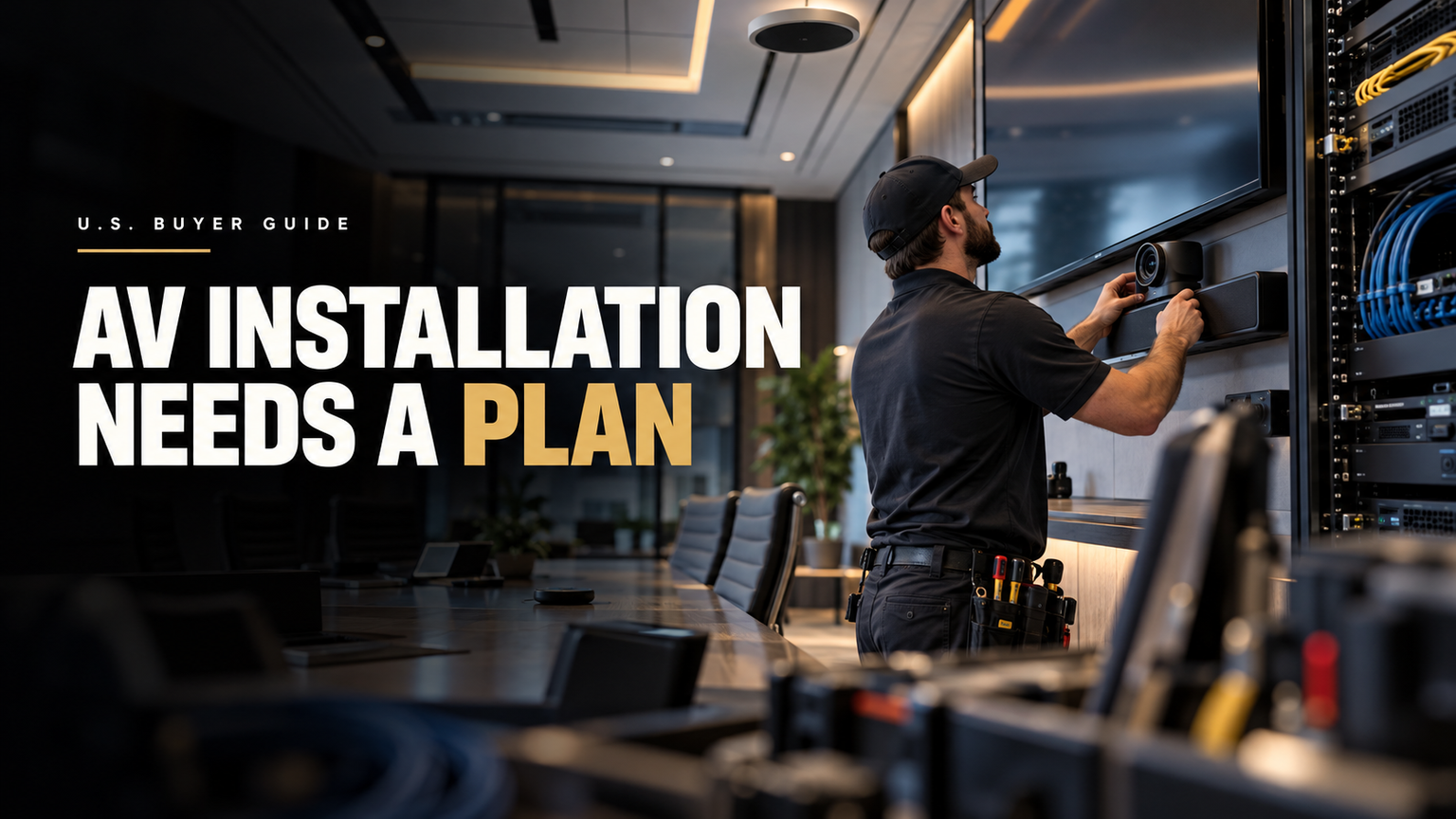
Commercial Audio Visual Installation: A U.S. Buyer’s Guide to Planning, Infrastructure and Commissioning
Commercial audio visual installation turns an approved design into an operational business system through cabling, equipment fitting, configuration, programming, testing, and handover. Confirm infrastructure readiness and responsibilities before work starts. Final acceptance should include performance checks, documentation, training, system backups, and a clear record of unresolved items.
Key Takeaways
- Confirm room, construction, power, network, rack, and service-access readiness before installers mobilize.
- Assign clear boundaries between AV installation, electrical work, IT configuration, and construction trades.
- Validate signal distance, bandwidth, PoE, cooling, and power against the exact equipment and design.
- Separate physical installation, system configuration, commissioning, and owner acceptance into documented milestones.
- Test actual user workflows against written project criteria before approving final handover.
- Collect drawings, labels, credentials, configuration backups, training records, and unresolved punch items.
Commercial AV Installation Priorities
Commercial audio visual installation turns an approved AV plan into a working business system. The job is much broader than mounting displays or connecting speakers.
A complete project may include cable work, racks, power coordination, network setup, device fitting, programming, testing, documentation, training, and handover. The exact scope depends on the contract.
For buyers, five checks matter most:
- Confirm the room and infrastructure are ready before installers arrive.
- Assign ownership for AV, electrical, IT, construction, and testing work.
- Check cable distance, bandwidth, PoE, rack space, cooling, power, and access needs.
- Test the finished system against defined project criteria.
- Collect drawings, labels, settings, test records, backups, training, and open punch items before acceptance.
What Commercial AV Installation Actually Includes
Commercial AV installation covers the field work needed to make a designed system usable. It usually spans several connected systems rather than one device category.
A typical project may involve:
- Displays, projectors, or LED video surfaces.
- Cameras and video conferencing endpoints.
- Microphones, DSP, amplifiers, and loudspeakers.
- Touch panels, control processors, and user interfaces.
- AV-over-IP or other network-connected endpoints.
- Equipment racks, power distribution, cooling, and service access.
- Structured cabling and AV signal transport.
The same principle appears in AV Labor Source’s AV equipment planning guidance. Equipment works as part of a larger technical system. It should not be treated as an isolated shopping list.
Installation, Integration, Commissioning and Acceptance Are Different
These four stages solve different problems.
Stage | What it means | Typical evidence |
Physical completion. | Devices, racks, cabling, mounts, and labels are fitted as required. | Visual checks, labels, completed punch items. |
Configuration. | Firmware, DSP, control logic, endpoint settings, and network settings are prepared for use. | Saved files, working control flows, backups where required. |
Selected project criteria are tested and recorded. | Audio, video, control, network, and system test results. | |
Handover and acceptance. | The owner receives agreed records, training, and open-item status. | As-builts, test records, training, warranties, support contacts, sign-off. |
AVIXA treats system verification as a formal process. Its Audiovisual Systems Performance Verification framework provides a method for choosing what needs to be checked, when it should be checked, and how results should be reported.
The standard is ANSI/AVIXA D402.02:2013 (R2024). It is a professional consensus standard. It is not a blanket federal legal requirement for every U.S. commercial AV project.
AVIXA’s related performance-verification training material refers to 160 potential verification items. That does not mean every project should run all 160. The project team selects the checks that fit the system and adds project-specific checks where needed.
Commercial AV Installation: Who Owns What?
AV projects often go wrong at handoffs. One team assumes another team owns the work.
Responsibility should be written down before field installation starts.
Typical responsibility matrix
Project activity | AV / integrator | Installer / technician | IT / network | Electrical / GC | Owner / PM |
Site survey. | Often leads AV scope checks. | May confirm field conditions. | Reviews network needs. | Confirms building conditions. | Approves access and scope. |
AV drawings. | Usually creates or owns them. | Installs from approved drawings. | Reviews network details. | Coordinates related construction. | Approves project direction. |
Wall backing. | Defines mounting needs. | Confirms before mounting. | Usually limited role. | Often provides construction work. | Tracks readiness. |
AC power. | Defines device power needs. | Confirms availability. | May review UPS or switch needs. | Line-voltage work is often assigned to the electrical trade. | Confirms scope. |
Cable pathways. | Defines route needs. | Uses approved pathways. | Reviews data pathways. | GC or low-voltage team may build routes. | Tracks completion. |
Low-voltage cable. | Defines cable type and endpoints. | May pull and terminate. | May own data cable standards. | Varies by contract and jurisdiction. | Confirms assignment. |
Rack setup. | Defines rack layout. | Builds and labels rack. | Coordinates switches and patching. | Supports power and room work. | Confirms access needs. |
VLAN and addressing. | Supplies AV endpoint needs. | Loads settings where assigned. | Network policy is often controlled by IT. | Little direct role. | Confirms ownership. |
Device mounting. | Defines location and method. | Performs fitting. | Limited role. | May support structure or access. | Confirms approved location. |
DSP or control programming. | Often owns programming scope. | May load or test files. | Supports network access. | Little direct role. | Confirms acceptance criteria. |
Functional testing. | Often leads system test. | Tests installed work. | Tests network dependencies. | Supports site issues. | Reviews results. |
Handover. | Supplies agreed system records. | Supplies field records as needed. | Supplies network records where in scope. | Supplies related closeout items. | Accepts final package. |
This is a typical coordination pattern, not a legal rule. Licensing, contracts, codes, union rules, and local trade requirements vary across the United States.
AV Labor Source’s AV technicians and engineers overview is useful when separating field technician work from engineering and specialist roles.
Use an Installation Readiness Gate Before Mobilization
Installers should not arrive just because the equipment has been delivered.
The room, pathways, power, network, mounting surfaces, access plan, and acceptance criteria should be checked first.
15-point installation readiness checklist
- Approved drawings are available.
- Device locations are confirmed.
- Wall structure and backing are ready.
- Cable pathways are open and usable.
- Required AC power is available.
- Network ports and switch capacity are planned.
- VLAN, addressing, QoS, or security needs are assigned where relevant.
- Rack location and service clearance are confirmed.
- Rack cooling and ventilation fit the planned load.
- Equipment and mounting hardware are available.
- Firmware and configuration ownership is clear.
- Lift, ladder, loading, and working-height needs are planned.
- Construction work no longer blocks safe AV fitting.
- Labeling and closeout rules are defined.
- Test and acceptance criteria are agreed before commissioning.
A checklist cannot guarantee zero delays. It can expose known dependencies before a technician crew is standing in an unfinished room.
Infrastructure Rules Can Change the Entire Design
Cable distance, bandwidth, PoE, switching, power, rack space, and cooling should be checked before installation.
They are design inputs, not closeout details.
Signal, distance, and power planning table
System or issue | Published figure | What to do with it | What it does not prove |
Balanced twisted-pair permanent link. | Common planning limit: 90 m. | Check cable routes before endpoint locations are locked. | It does not guarantee every AV signal works at 90 m. |
Balanced twisted-pair channel. | Common planning limit: 100 m. | Use it as a structured-cabling boundary. | It is not a universal AV transport limit. |
Cat 6A / 10GBASE-T. | Up to 10 Gbps over 100 m channels. | Check if high-bandwidth endpoints need 10G copper. | Cable conditions and standards compliance still matter. |
HDBaseT. | Up to 100 m / 328 ft. | Check product mode and transport needs. | Every HDBaseT device does not guarantee 100 m in every mode. |
PoE. | Power varies by IEEE type and device design. | Check total switch budget and endpoint demand. | Port count alone does not prove enough power is available. |
Ceiling-array microphone example. | Shure MXA920 default automatic coverage is 30 × 30 ft. | Use product data with room conditions. | It is not a universal room-sizing rule. |
Fluke Networks’ structured-cabling distance guidance describes the common model as a 90 m permanent link and 100 m channel. It also notes that application, cable type, and installed conditions matter.
A Cisco/Panduit technical paper on Cat 6A and PoE describes Category 6A support for 10GBASE-T up to 100 m. The same source shows how PoE power can vary sharply by type and implementation.
The HDBaseT Alliance technology guidance publishes a headline distance of up to 100 m, or 328 ft. Actual products can have shorter limits based on resolution, mode, and feature set.
The buyer rule is simple: never treat 100 m as one universal AV limit.
Check the transport method, cable type, endpoint product data, operating mode, bandwidth, and power need.
Displays, Microphones and Speakers Should Be Designed, Not Guessed
Room capacity alone is not enough to size an AV system.
Viewing distance, room geometry, use case, microphone position, loudspeaker coverage, and product data all affect the result.
AVIXA’s current published-standards catalogue lists ANSI/AVIXA V202.01:2026, Display Image Size for 2D Content. The standard is intended to help establish suitable image size and viewing positions.
AVIXA also publishes ANSI/AVIXA A102.01:2022 for audio coverage uniformity. It gives a method for measuring and classifying early-arriving sound energy across listener areas.
Speaker placement should therefore follow coverage goals and measured results. It should not come from one fixed spacing rule for every room.
Microphones show the same problem. The Shure MXA920 product guide gives a default automatic coverage area of 30 × 30 ft, or 9 × 9 m. Shure also publishes talker-distance and mounting guidance.
Those values depend on room acoustics, construction, materials, and mounting conditions. They do not support a rule such as “one microphone covers every 30 × 30 ft room.”
U.S. Safety and Accessibility Checks Belong in Planning
Some AV mounting choices can interact with OSHA construction rules and ADA design standards.
These issues should be reviewed before the wall is drilled and the control panel is fitted.
U.S. safety and accessibility red-flag map
Issue | Verified figure | AV planning implication | Important limit |
Construction fall exposure. | 6 ft / 1.8 m appears in relevant 29 CFR 1926.501 provisions. | Review work method, edge exposure, lift needs, and fall protection. | Do not turn this into a blanket rule that all AV work above six feet requires one specific device. |
Protruding objects. | Generally 4 in / 100 mm maximum within the stated 27–80 in circulation-path zone. | Check wall-mounted AV hardware along circulation routes. | Applicability depends on the device and location. |
Unobstructed side reach. | 15–48 in under the cited ADA condition. | Review accessible control placement where required. | Other approaches and obstructions can change the rule. |
For covered construction work, OSHA 29 CFR 1926.501 includes a 6 ft, or 1.8 m, threshold in specified fall-protection situations.
The 2010 ADA Standards contain the 4 in protrusion rule for the stated circulation-path zone. They also include a 15–48 in unobstructed side-reach range under the relevant condition.
These are different authorities. AVIXA standards, OSHA regulations, and ADA standards should not be treated as if they have the same legal status.
Good Field Work Is More Than Mounting Hardware
Field quality comes from disciplined execution.
Technicians need the correct drawings, safe access, clear labels, usable pathways, service clearance, and a method for recording changes.
Good field practice includes:
- Confirming device locations before drilling or cutting.
- Protecting cable routing and bend limits where required.
- Labeling both ends of cables consistently.
- Keeping racks accessible for future service.
- Aligning power, data, signal, and construction work with the approved scope.
- Recording field changes instead of relying on memory.
Networked AV Needs IT Involvement Early
Once AV endpoints depend on Ethernet, PoE, VLANs, cloud services, or multicast, the network becomes part of the AV system.
IT should not first see the room on commissioning day.
A project should answer these questions early:
- Which AV endpoints need network access?
- Where are the required switch ports?
- Which devices need PoE?
- What is the total PoE power budget?
- Are VLANs required?
- Who assigns IP addresses?
- Are multicast or QoS settings needed?
- Are firewall or security rules involved?
- Who owns switch configuration?
- What network tests are required before acceptance?
Commissioning Should Prove the System Meets the Project Criteria
“Everything works” is too vague for a commercial AV acceptance test.
Commissioning should use selected checks with recorded results.
Depending on the system, those checks may cover:
- Video source and display operation.
- Resolution and signal-path checks.
- Microphone pickup and routing.
- Loudspeaker coverage and gain structure.
- DSP operation.
- Conferencing workflows.
- Camera framing and presets.
- Control-system functions.
- Network connectivity.
- PoE status where relevant.
- Recovery or failover behavior where specified.
- User-interface behavior.
- Rack and device labeling.
- Configuration backup.
A powered-on system proves very little by itself.
The Owner Should Receive an Evidence Pack at Handover
A usable handover leaves enough records to run, support, and troubleshoot the system later.
The exact closeout package depends on the contract. A buyer may ask for:
- Approved as-built drawings where included in scope.
- Cable and rack labeling records.
- Test or verification results.
- Device inventory, model, and serial data where required.
- Firmware and software records.
- DSP, control, and configuration backups.
- Credential-transfer procedures where needed.
- User quick-start instructions.
- Training records.
- Warranty and support contacts.
- Open punch-list items.
- Final acceptance records.
That does not make every item above mandatory on every project. The contract still controls the required deliverables.
Good records can make later service and upgrades easier. They also reduce reliance on one person’s memory of the original project.
Commercial AV Installation Cost Varies by Scope
There is no defensible single U.S. cost per commercial AV room in the supplied evidence.
Published 2026 vendor figures vary by multiples.
2026 published budget examples
Source | Published planning figure | Scope warning |
Strata AV. | Huddle: $3,000–$9,000. Medium 6–10-person room: $12,000–$30,000. Boardroom/executive 12–20+ people: $35,000–$80,000+. | Vendor-authored planning ranges, not a national survey. |
Rivas Technology Group. | Single conference or dining room: typically $5,000–$10,000 installed. Multi-room combined systems: $20,000–$75,000+. | Regional contractor with varying scopes. |
Restrepo Innovations. | $15,000–$75,000+ for a professional conference-room AV system. | Vendor estimate, not an industry census. |
Frequency AV. | Large-room package starts at $28,500. Extra-large starts at $34,000. | Specific packaged starting prices with defined inclusions. |
Do not average these numbers into a national price.
Their disagreement is useful. It shows how strongly scope changes the budget.
Normalize quotes before comparing them
Ask each bidder to state whether the price includes:
- Equipment.
- Installation labor.
- Cabling.
- Electrical work.
- Network work.
- Programming.
- Commissioning and testing.
- Documentation.
- Training.
- Warranty and support.
- Travel, lifts, permits, after-hours work, and change-order rules.
Many “Equipment Problems” Are Really Scope Problems
A bad project can contain perfectly good products.
Consider a few common cases.
The display arrives, but the wall backing is not ready. The installer cannot mount it safely.
The rack is delivered, but there is no service clearance. Future repairs become harder.
A networked endpoint is fitted, but no VLAN or IP plan exists. The hardware is installed but not usable.
PoE devices are connected, but the switch power budget is too small. Port count looked sufficient, yet power was not.
A system is powered on, but no one defined acceptance criteria. Each party has a different idea of “finished.”
Field changes are made, but the drawings are never updated. The next technician inherits a system that no longer matches the records.
Better equipment does not repair an incomplete scope.
Scope the AV Crew Around the Work
Crew size should follow the task, room count, schedule, access conditions, technical complexity, and commissioning plan.
Do not size labor only by counting devices.
Depending on the project, roles may include:
- AV installation technicians.
- Lead technicians or crew leads.
- Audio or DSP specialists.
- Video or display specialists.
- Network-aware AV technicians.
- Control programmers.
- Project managers.
- Commissioning or verification personnel.
AV Labor Source focuses on supplying and coordinating AV professionals and technical labor. Its production crew structure guide also shows why role clarity matters when several technical functions overlap.
For a permanent commercial install, the same principle applies: define the work first, then staff the work.
Commercial AV Installation Buyer Checklist
Before accepting the project, confirm these points:
- The approved design and device locations are clear.
- Power and cable pathways are ready.
- Network ownership is assigned.
- Cable distance and transport limits are checked.
- PoE demand and switch budget are checked.
- Rack location, cooling, and service access are confirmed.
- Safety and accessibility issues have been reviewed where applicable.
- Labor roles and trade boundaries are written down.
- Programming and configuration ownership is clear.
- Test criteria exist before commissioning.
- Required handover records are defined.
- Training and support responsibility are known.
- Open punch items have an owner and due date.
Frequently Asked Questions
What is included in commercial AV installation?
Commercial AV installation may include mounting, cable work, rack work, equipment fitting, device setup, network coordination, programming support, testing, documentation, and handover. The contract decides the exact scope.
What is the difference between AV installation and AV integration?
Installation focuses on field work and fitting equipment. Integration is broader. It connects the devices, software, control, signals, and network into one usable system.
Is a powered-on AV system fully commissioned?
No. Power-on only proves basic operation. Commissioning checks selected project criteria and records the results.
How long can AV signals run over Cat cable?
There is no single distance for every AV signal. Structured Ethernet commonly uses a 100 m channel model. HDBaseT also publishes up-to-100-m capability. Exact product, cable, resolution, and mode limits still need to be checked.
How much does commercial AV installation cost?
There is no reliable universal room price. Published 2026 vendor examples range from a few thousand dollars for simpler rooms to tens of thousands for larger or more integrated systems.
Who should configure the AV network?
Ownership should be assigned before installation. Depending on the project, IT, the AV integrator, network engineers, or qualified AV technicians may share the work.
Does every commercial AV project need the same commissioning checklist?
No. AVIXA’s framework includes a large pool of possible verification items. Projects should select checks that match the design, use case, contract, and acceptance criteria.
What should an owner receive after AV installation?
The agreed closeout package may include as-built drawings, cable labels, device records, test results, configuration backups, user guides, training records, warranties, support contacts, and open punch items.
If your project needs qualified technical labor, AV Labor Source can help you review the crew side of the plan and identify the AV roles needed for the work. Keep design, engineering, electrical, programming, and commissioning responsibilities clearly assigned to the parties that own them under the project scope.







CONTACT US
AVLS operate and has proven pool of AV technicians in major cities US Nationwide, such as Las Vegas, Los Angeles, Orlando, Dallas, San Antonio, Austin, Houston, Washington DC, Atlanta, New Orleans, Tennessee and more.
Please complete the form below and we will respond to you as soon as possible. We are available 24 hours a day to assist with your needs. We look forward to showing you what we can do toward the success of your next event.
EVENT INFORMATION
